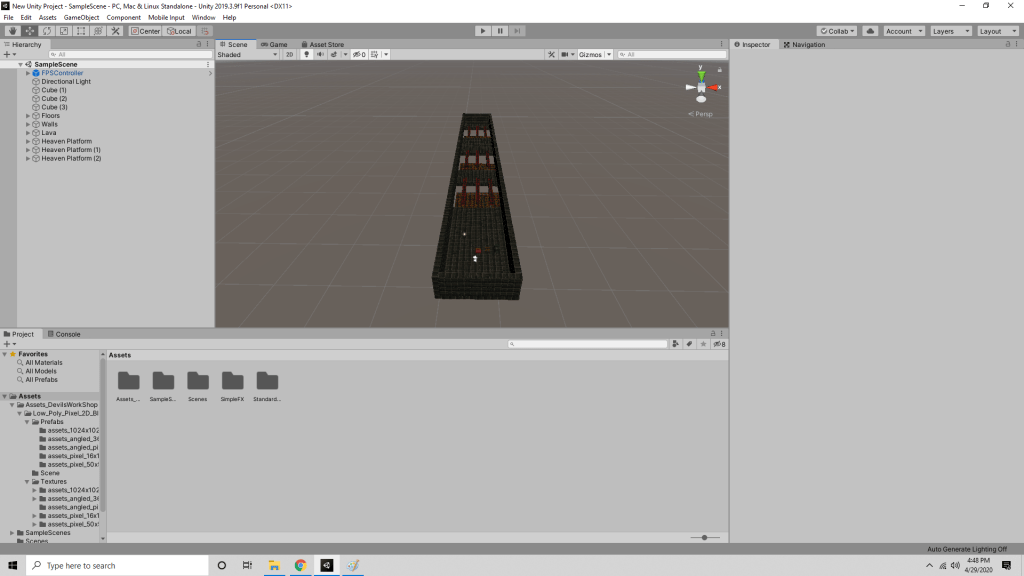
For this project I chose to re-live memories of the countless Roblox obstacle courses I played growing up. The main idea behind the game is to choose the right path randomly. 2 of the 3 paths have the mesh mixer off so the player will fall through if they choose the wrong path.
Initially the player would fall endlessly into space if they chose the wrong path. I realized that if this game played using a VR headset, the player would most definitely freak out. To fix this issue I added what I call a “heaven platform” to ask as a safety net for the player and provide a staircase to aid in resetting the puzzle.
I did my research before doing the project and learned a handy tool of creating an empty object and then filling it with my objects to create “prefabs.” With this knowledge I was able to make a basic floor, wall, path, and heaven platform, and then copy and paste them in order to make my level.
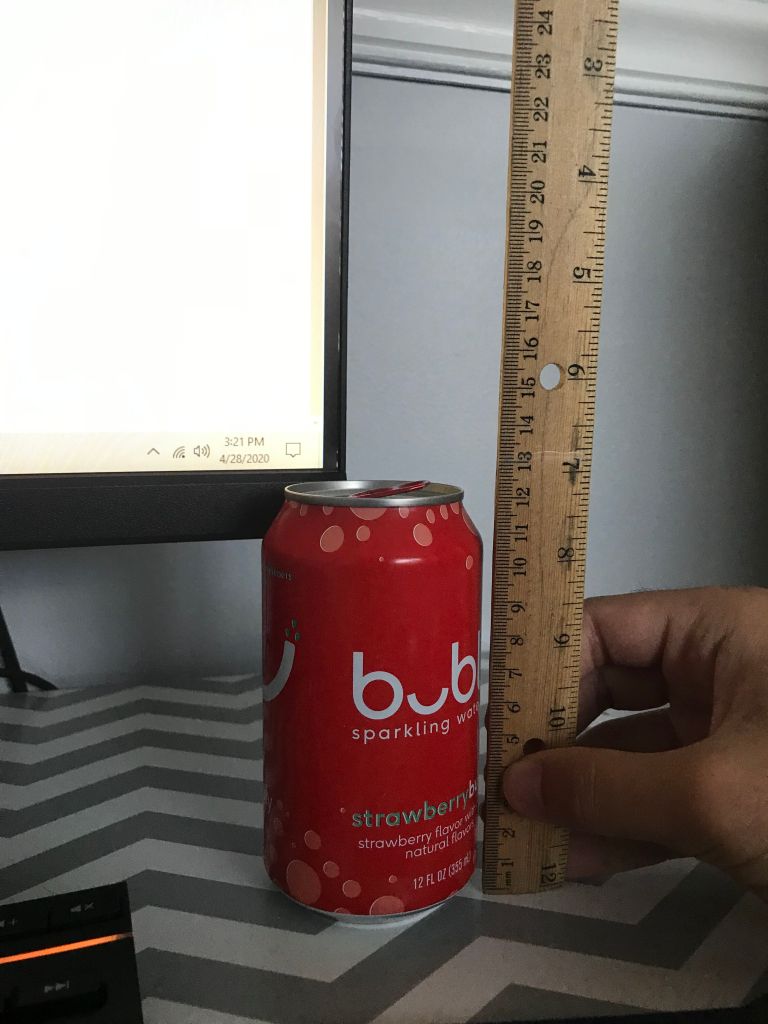
For this assignment I created a Koozie for my can of sparkling water. Below are the measurements for the height and the diameter of the can, 12mm and 6.5mm respectively.
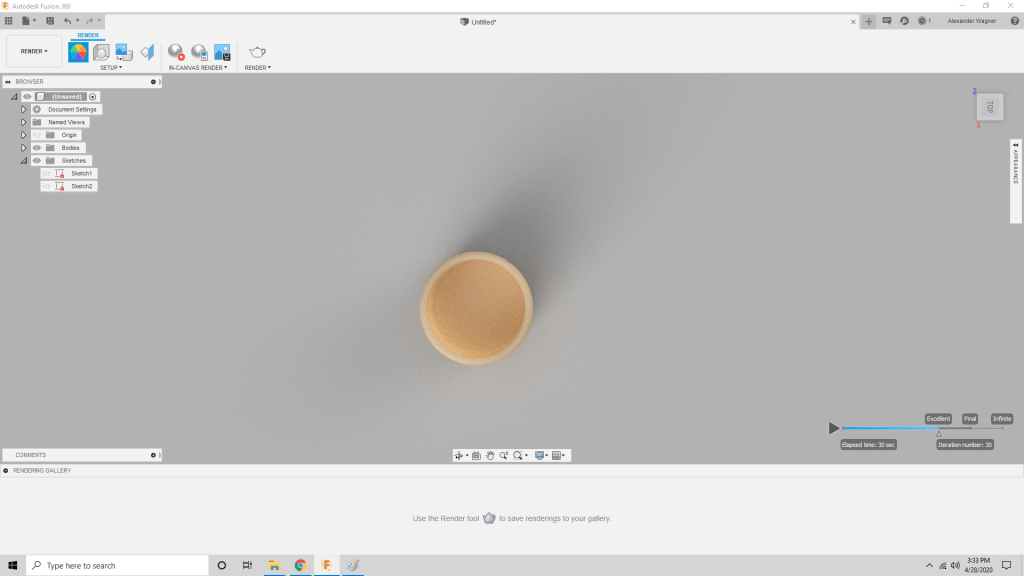
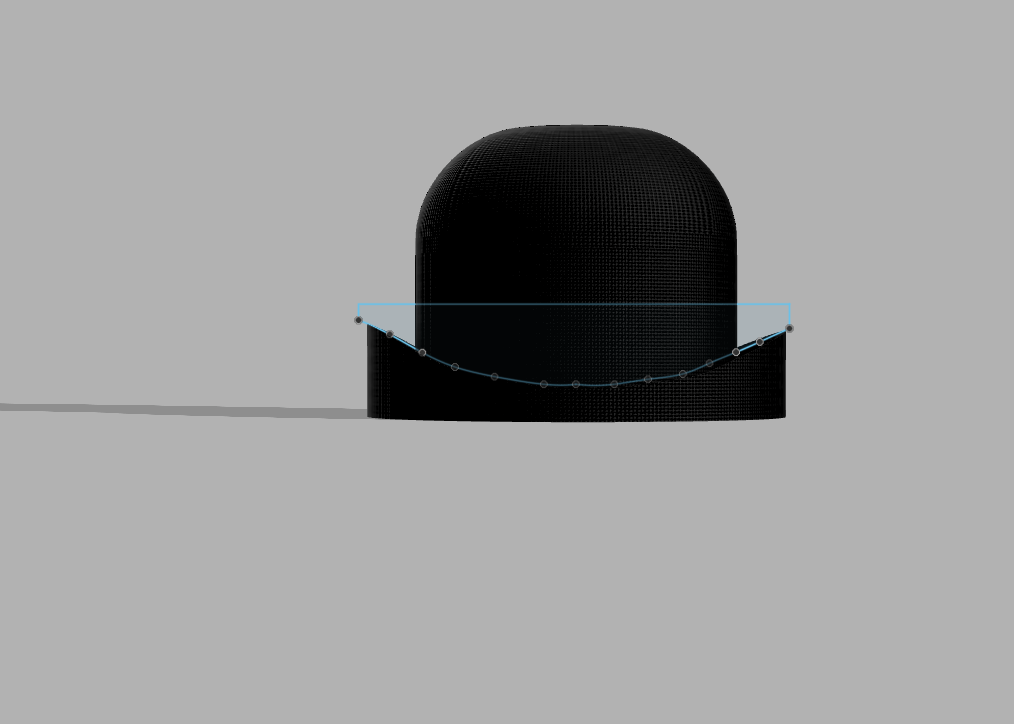
Since the diameter of the can was 6.5mm I was sure to make the void that length. The total diameter of the koozie I modeled is 7.5mm, so the difference of 1mm is the thickness of the koozie. For the height of the koozie I chose to make it half of the can’s height: 6mm.
I still love the program Fusion360 and it took me very little time to create what I had in mind.
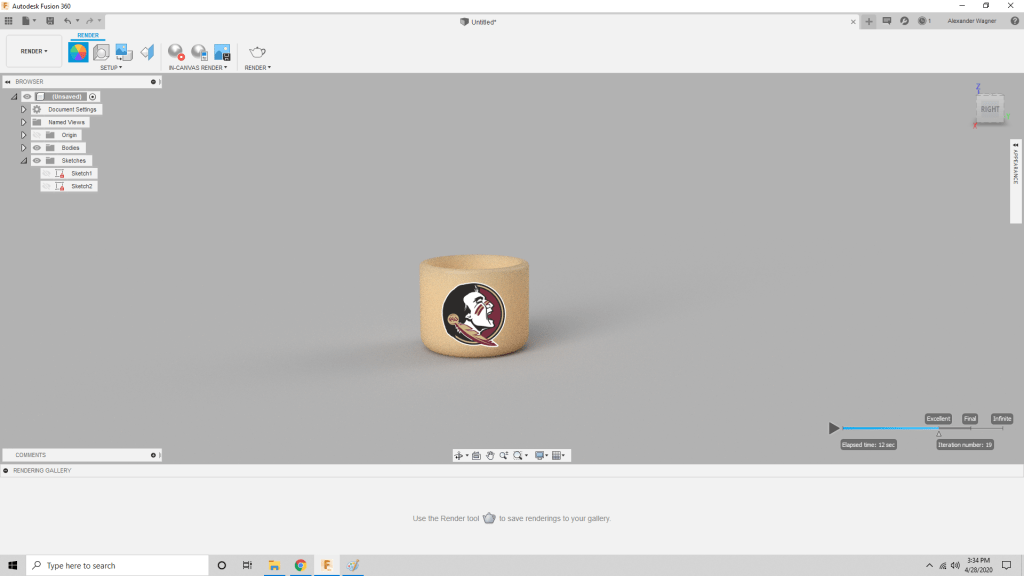
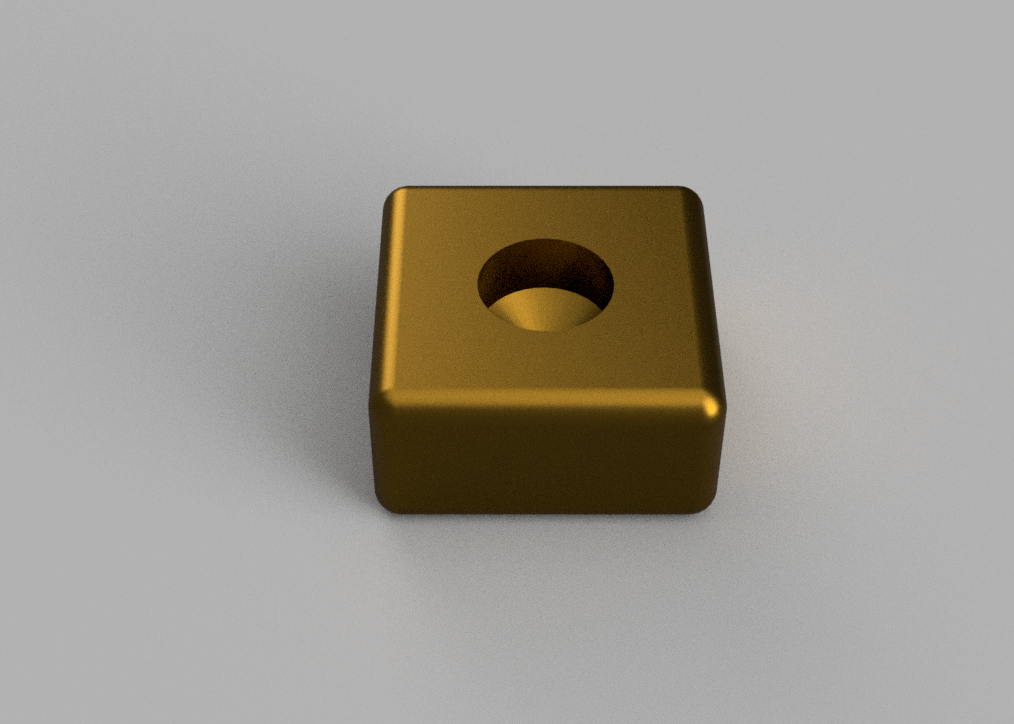
Below are photos of the object after it was rendered
I couldn’t find a way to add the Noles logo onto the render within Fusion360 so I just Photoshopped it into the image.
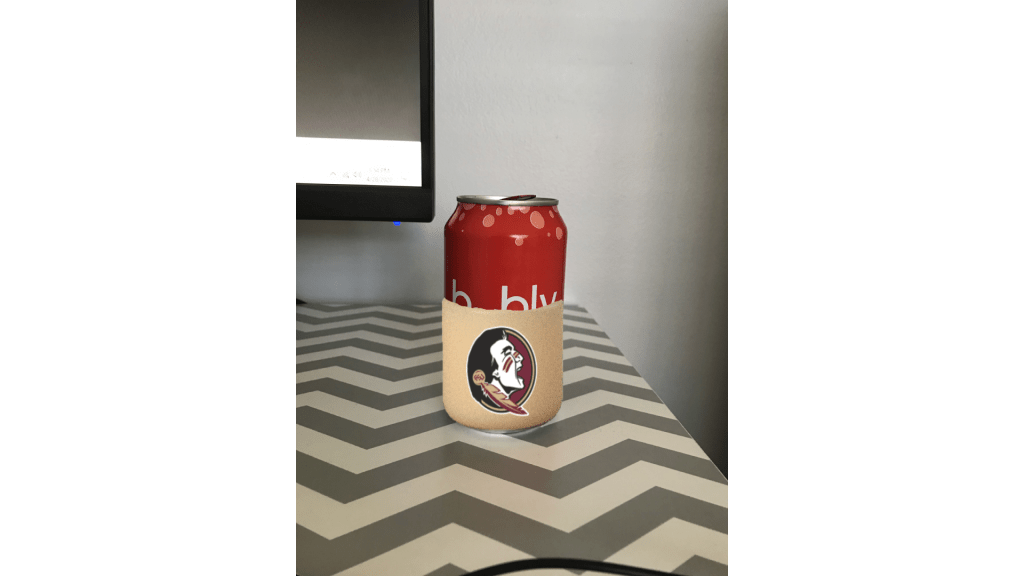
Finally, I put all the pieces together. I took a picture of the can on my desk and Photoshopped the koozie onto the can. I erased some of the koozie layer to make the image look more realistic.
Fusion 360 was the most responsive and user-friendly modeling software we’ve used. I found it very easy to use the tools and it allowed me to let my imagination run wild while accomplishing a task. However, the software takes a huge toll on my computer and I had the application force close and not save my progress during this assignment, very big flaw. 8/10 would use again.
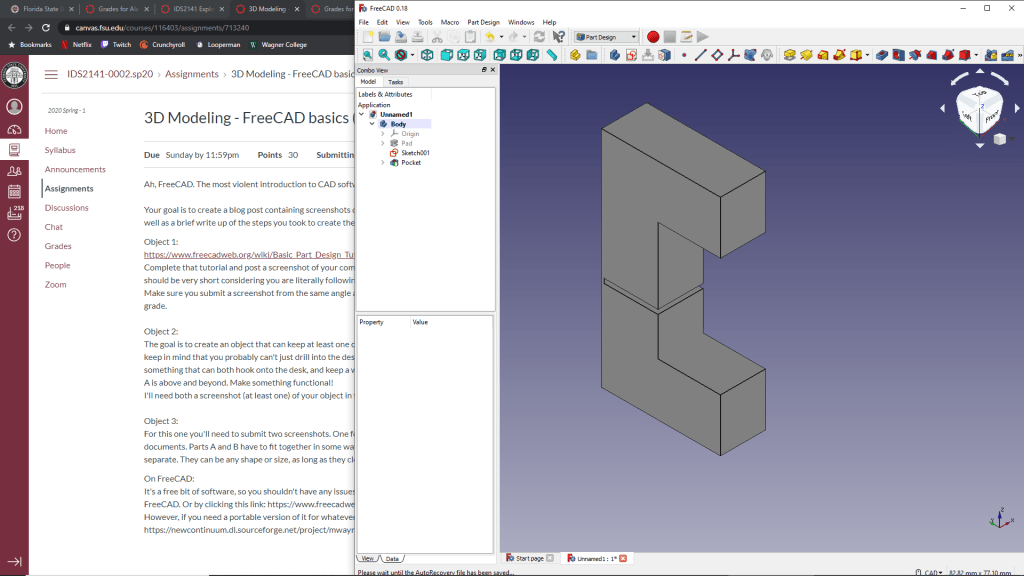
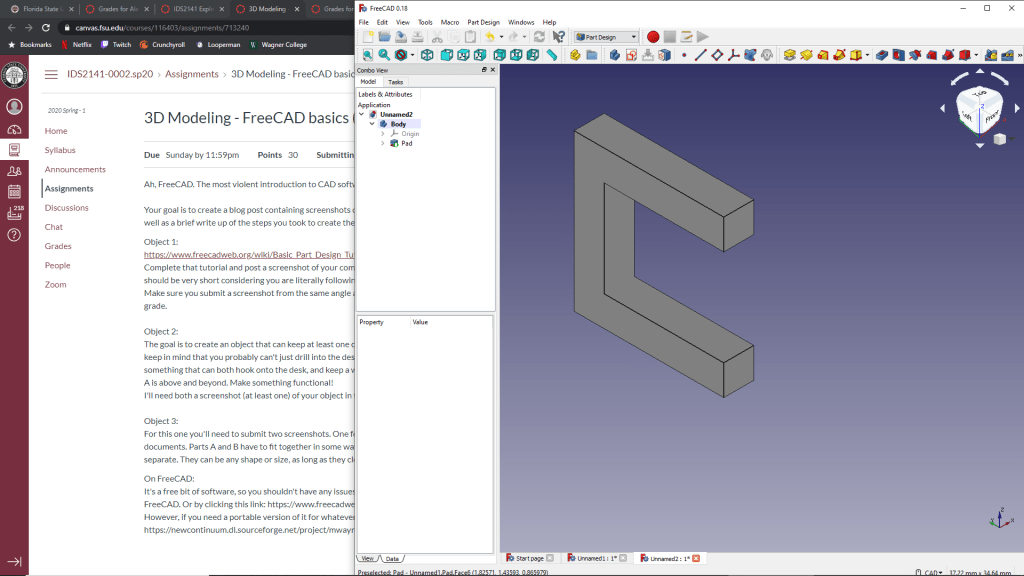
I just followed the tutorial for this one and had to do it multiple times in order to get the hang of the software. I admit that I used the Youtube Tutorial for the final step.
Object 2
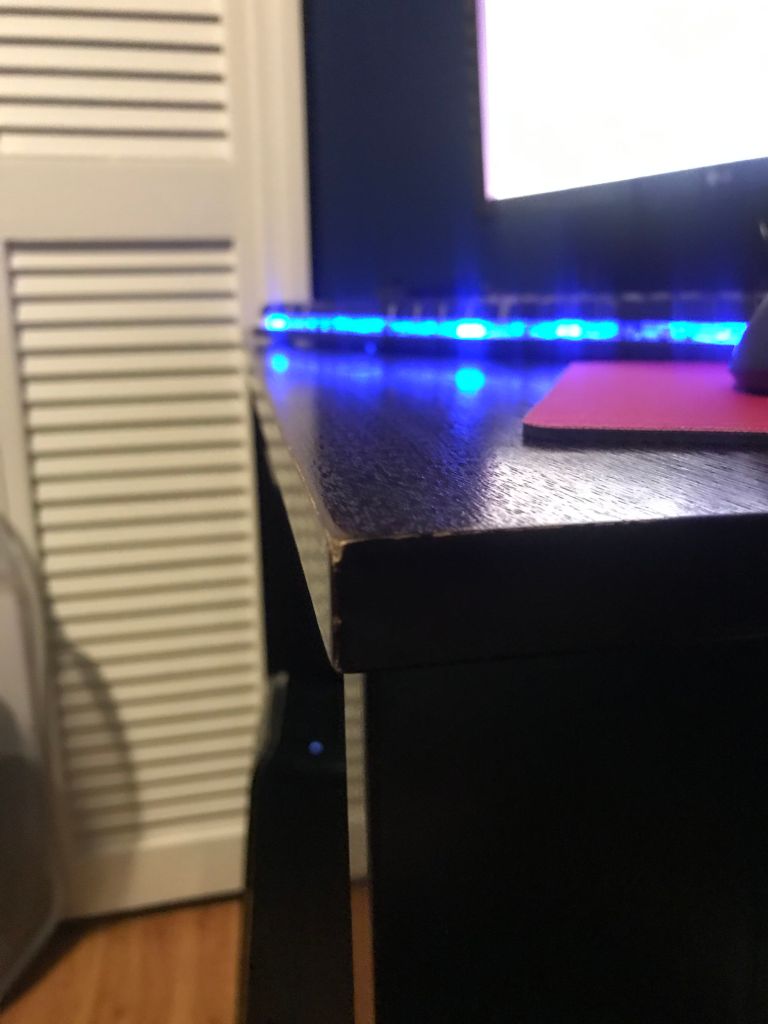
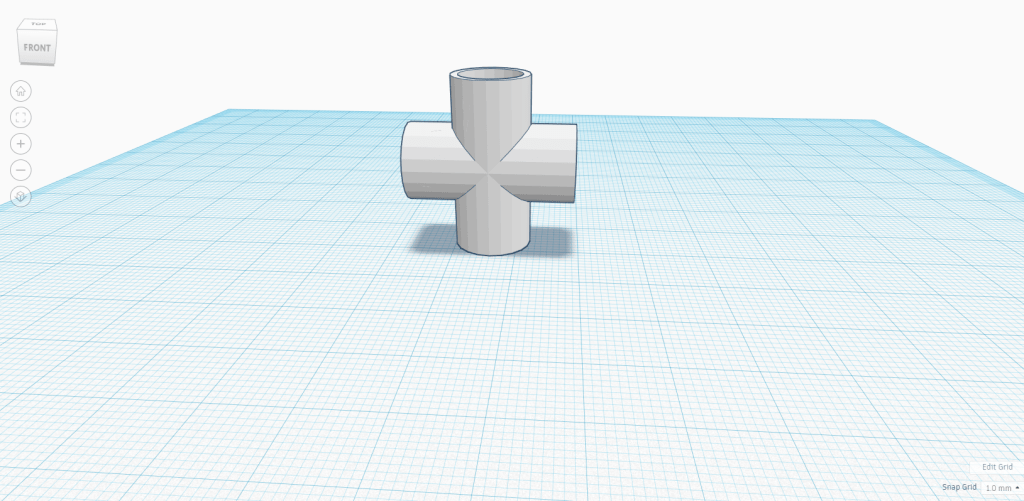
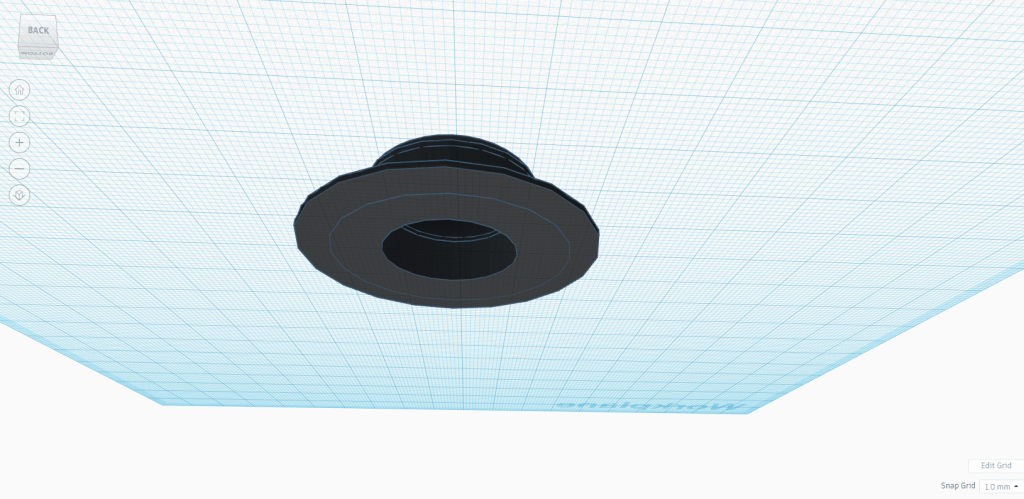
The desk in my room measured to be 1 inch long, so I converted it to mm (25.4mm) and used that length for the mouth of the object. Then, to hold the cord I created a pocket on the mouth.
Object 3
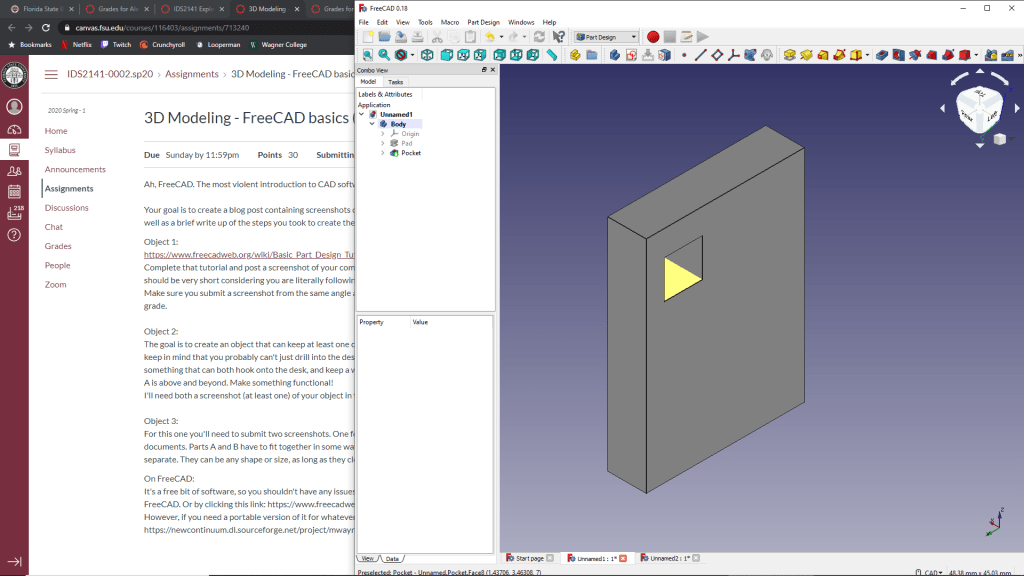
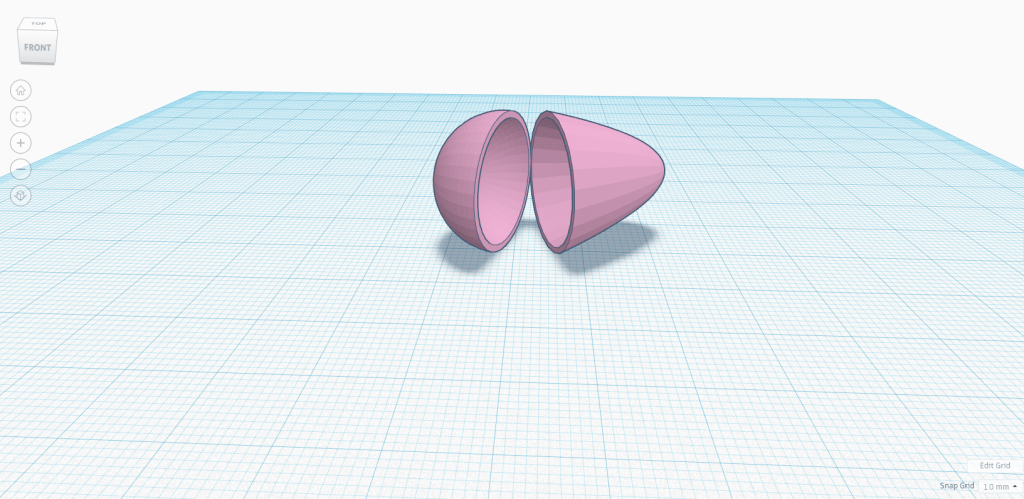
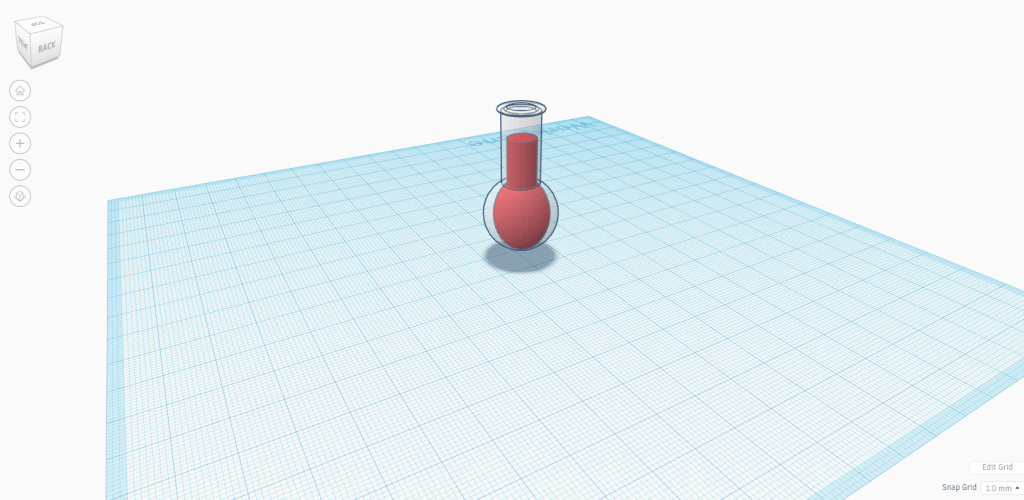
This first object receives the second object in the square pocket I created that is 5mm wide and tall.
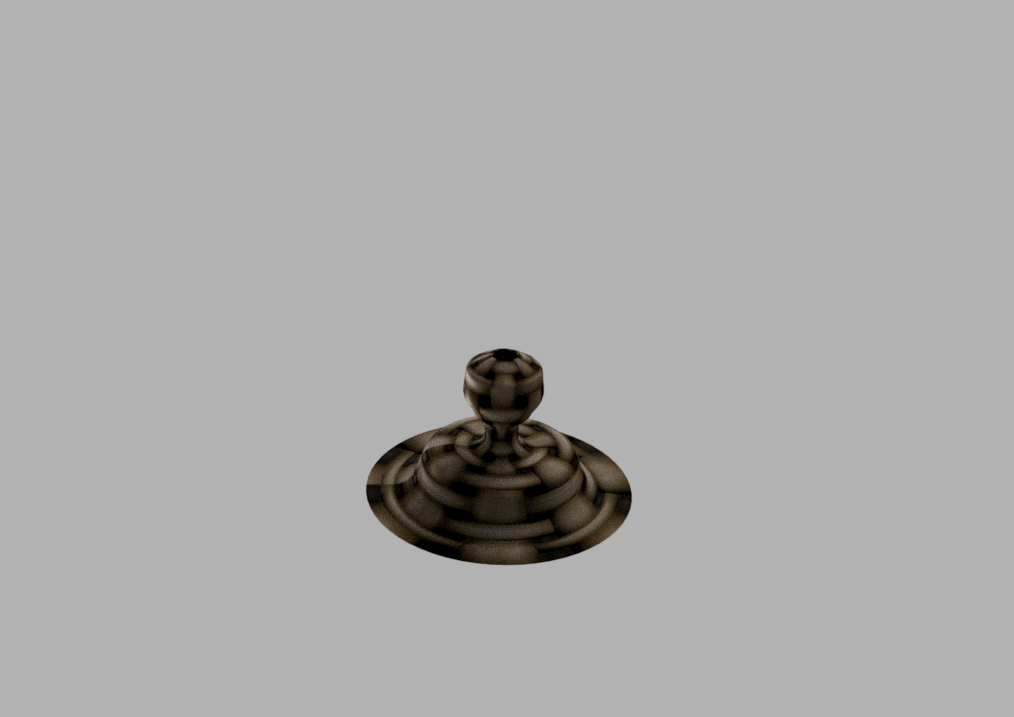
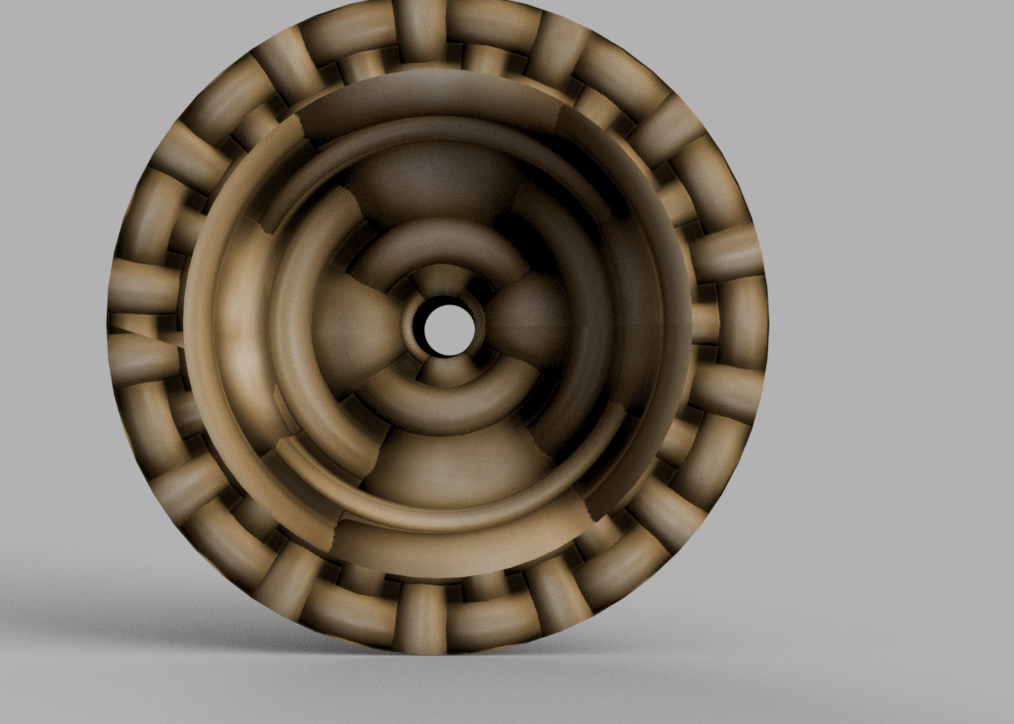
This object is inserted into the previous object and and since the prong is a 3×3 square at the ends, it is able to enter the 5mm hole and rotate. The merging of the two objects would result in this prong making a U shape around the previous object. With the U in place, it is impossible for the two to separate without rotating the prong once more.
The project overall was a good experience, I really enjoyed the software and didn’t have any issues in creating whatever came to mind. It brought back memories of building to my heart’s content with Legos as a child.
Our app idea was inspired from a paper origami color game I played as a kid. I’m sure you’ve seen this origami before, its the game where one chooses a color and the user shifts the origami vertically and horizontally a set number of times based on how many letters are in the color that was chosen. Then, the person would choose a number and their fortune would be told. In our case we made ours with the idea in mind to help you grade other assignments in the class. This origami will work like any other but the fortune at the end will be one of four options: Above and Beyond, Excellent, Acceptable, Terrible.
In an effort to make it functional for Wednesday we made some cuts to our once very ambitious project. We will try to implement a visual shifting of the origami on the screen, but for now this issue proved to be too difficult for the purpose of this project.
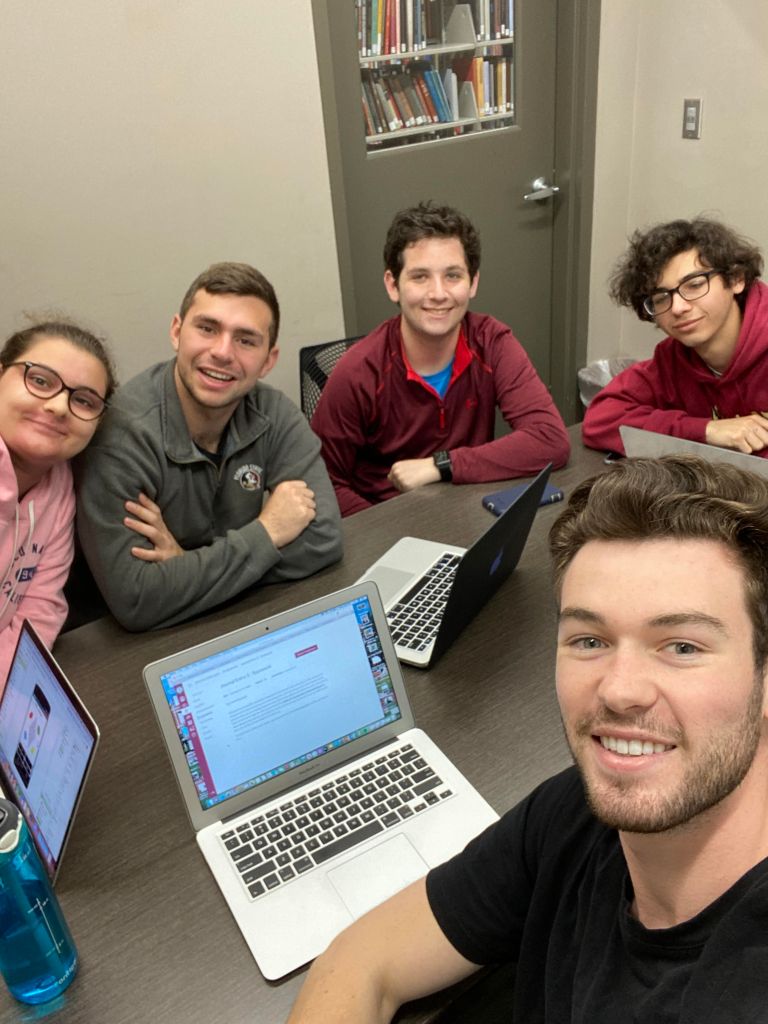
I have been the main group member in charge of coding the application (I identified myself earlier as the 5 in the group), although I am doing my best to delegate the easier tasks to others in the group and to keep everyone involved in the process. So far, I would like to mention that Victor did an amazing job creating a computer generated image for our origami using an Adobe software, a feat that I admittedly can’t say that I would have accomplished myself. Overall, we are doing well as a group and plan on having a functional app by Wednesday (fingers crossed).
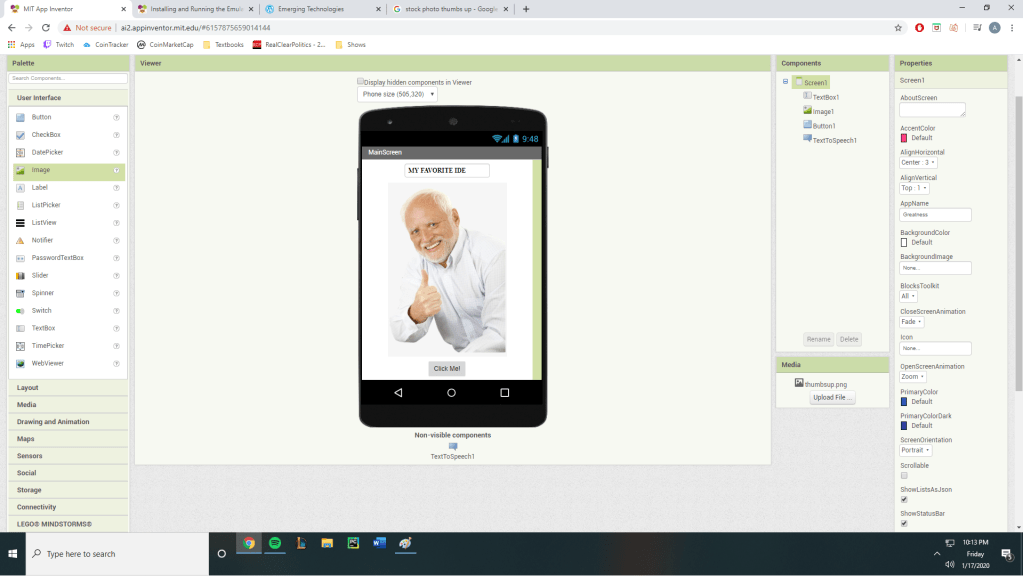
In class you asked the class “If anyone knows how to program in any language, raise your hand.” I was one of the few who had the honor to shake your hand, and your warning was 100% warranted. I have never seen such a stiff UI and complicated rules when it comes to implementing logic to what should be a seemingly simple program to write.
Initially, I wanted to build a basic app that the user would input a value into the text-box. Once a numerical value is placed and the button is clicked, then the number would be squared and replace the old value. A task like this, which would only involve less than 10 lines of code, was impossible with the countless errors I ran into when trying to piece together LEGO pieces together. “THIS NEEDS TO BE CONNECTED TO A VALUE BLOCK.”
In order to save the remaining brain cells I held onto after enduring the slow and arduous learning process of this program intended for third graders, I mustered up a program that contains my pent-up frustration with App Inventor as a whole. When the button is clicked, the phone will say “App Inventor is fun and intuitive!” Enjoy!
I originally took this course because it completes a lot of credits that I needed to get before I graduate this semester, but I also have found myself having a great interest in technology as of last semester. It started on a vacation last summer when we finished exploring the city of Quebec, Canada. We were resting inside the apartment after a full days worth of walking and I was glancing at my phone as we all regrettably do. As I scrolled down through the recommended feed of Youtube, I came across a video explaining the basics of python. I saw one video, and then that turned into two, which then led to me staying up for most of the night completing the online course.
That was six months ago and I still hold the same passion for programming as I did that day. Python opened up my mind to a new way of solving everyday problems, and made me look for any way possible to apply my new skill set. I made some games in Pygame, coded a BlackJack simulator, and made a WebScraper using Selenium. All of this experience also allowed me to connect on a deeper level with my roommate who is a computer science major (I should probably mention that my major is in Accounting and has nothing to do with programming). We have many occasions stayed up until three in the morning talking about the intricacies of the IDEs and their compiling speeds.
That leads me to this class where I’m extremely excited to generally learn about the emerging technologies of this year. Entering into this class, I have no prior knowledge about 3D printing, VR, or how a Raspberry Pi works (the only thing I’ve heard about regarding the Raspberry Pi is that allegedly you can make a botnet using a lot of them). And to finish this introduction, allow me to show you the picture I’m most proud of. This picture is only possible by scaling up the mountainous rocks which may or may not be allowed on the campgrounds (I only found out after the fact that climbing was not allowed), so enjoy!










 Emerging Technologies